Unlocking PC Troubles: A Review of Computer Repair with Diagnostic Flowcharts Third Edition
Our Product Insight
When it comes to troubleshooting PC hardware problems, having the right resources can make all the difference. Computer Repair with Diagnostic Flowcharts Third Edition is a comprehensive guide that aims to simplify the often daunting task of diagnosing and fixing computer issues. This book is packed with diagnostic flowcharts that help you navigate through various problems, from boot failures to sluggish performance. Whether you're a seasoned technician or a curious beginner, this book offers valuable insights into the world of computer repair.Key Features
One of the standout features of this book is its diagnostic flowcharts. These visual aids guide you step-by-step through the troubleshooting process, making it easier to identify the root cause of hardware issues. Here are some key features that make this book a handy tool:- User-Friendly Flowcharts: The flowcharts are designed to be intuitive, allowing you to follow along easily without getting lost in technical jargon. Each flowchart is tailored to specific problems, ensuring you stay on track.
- Comprehensive Coverage: The book addresses a wide range of issues, including common problems like boot failures, hardware conflicts, and performance issues. This breadth of information means you’re likely to find solutions for many of the challenges you might face.
- Practical Examples: Real-world scenarios and examples are included to illustrate how to apply the flowcharts effectively. This practical approach helps reinforce your understanding and builds confidence in your troubleshooting skills.
- Updated Content: As technology evolves, so do the issues that arise. This third edition includes updated information relevant to the latest hardware and software trends, ensuring you’re equipped with current knowledge.
Who It's For
This book is ideal for a variety of audiences. If you’re a beginner looking to understand the basics of computer hardware, the flowcharts and straightforward explanations will guide you through the learning process. For intermediate users or hobbyists, the detailed troubleshooting steps can enhance your existing skills and help you tackle more complex issues. Even experienced technicians may find value in the structured approach, as it can serve as a quick reference during busy repair sessions.However, it’s worth noting that while the book is incredibly helpful, it may not cover every single hardware issue in exhaustive detail. Some users might find that they need to supplement their learning with additional resources for more advanced problems.
In summary, Computer Repair with Diagnostic Flowcharts Third Edition is a valuable resource for anyone looking to troubleshoot PC hardware problems effectively. With its user-friendly flowcharts, comprehensive coverage, and practical examples, it demystifies the repair process and empowers you to tackle issues with confidence. Whether you're just starting out or looking to refine your skills, this book is a worthy addition to your toolkit. So, if you're ready to dive into the world of computer repair, check current price and see how this guide can help you on your journey!
1. For gamers looking to enhance their setup, the KALAHOL RGB Headphone Stand not only organizes your headset but also adds a stylish touch with its LED lighting and multiple USB ports. 2. If you're searching for the perfect gift for a teenage gamer, consider the Funny Teenage Gifts Boys Gaming Accessories, which are sure to bring a smile to any Fortnite enthusiast's face. 3. Improve your streaming experience with the JCWINY Webcam Mount for Monitor Light Bar, designed for compatibility with various monitors and perfect for achieving optimal lighting during video calls. 4. The Logitech C920S HD Pro Webcam is a fantastic choice for those who prioritize quality, offering full HD video and clear audio for seamless communication on platforms like Zoom and Skype. 5. For a budget-friendly option, the Logitech C270 HD Webcam delivers reliable performance with HD 720p video calling, making it an excellent choice for casual users looking to connect online.
More Products You Might Like
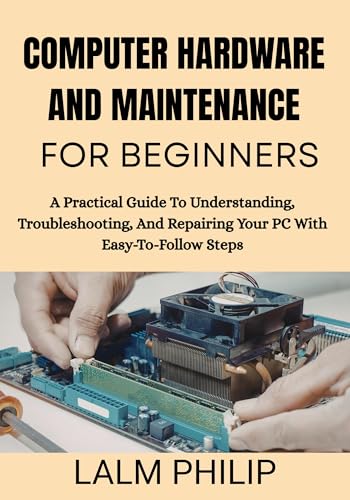
Computer Hardware and Maintenance for Beginners: A Practical

SUKOTOP 27 inch All-in-One Computer Curved FHD Display, All-
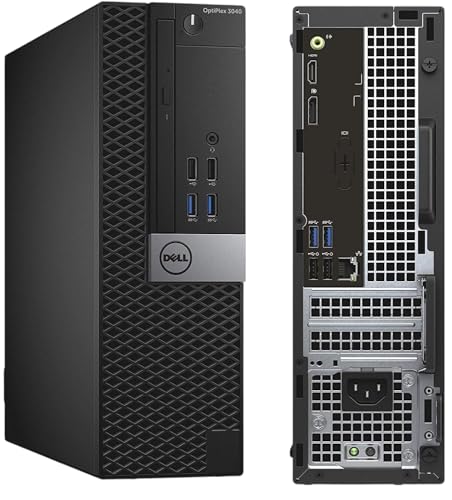
Dell FAST OptiPlex i7-6700 SFF Desktop Computer PC - Intel C

Computer Organization and Design RISC-V Edition: The Hardwar

Acer Nitro V15 ANV15-51 Gaming Laptop - Intel Core i5-13420H
Disclaimer: This article has been generated through our AI content insight system and is intended for general informational purposes only. Please carry out your own research and review product details directly before making any purchase decisions.