Unlock Comfort and Efficiency with the Logitech MK540 Advanced Wireless Keyboard and Mouse Combo
Our Product Insight
The Logitech MK540 Advanced Wireless Keyboard and Mouse Combo is designed for those who spend hours at their computer, whether for work or play. This combo offers a seamless experience with its wireless capabilities, ergonomic design, and multimedia hotkeys. If you’re looking for a setup that enhances your productivity while providing comfort, this might just be the solution you need.Key Features
Wireless Convenience
One of the standout features of the MK540 is its 2.4 GHz Unifying USB receiver. This means you can connect both the keyboard and mouse with a single USB dongle, freeing up other ports on your device. The wireless range is impressive, allowing you to work from a distance without worrying about lag or disconnection.Multimedia Hotkeys
The keyboard comes equipped with multimedia hotkeys, making it easy to control your music, videos, and other media without interrupting your workflow. These shortcuts can significantly enhance your efficiency, especially if you frequently switch between tasks.
Long Battery Life
With a 3-year battery life, you can say goodbye to the hassle of changing batteries frequently. This feature is particularly appealing for those who prefer a low-maintenance setup. The keyboard and mouse are designed to go into sleep mode when not in use, further conserving battery life.
Ergonomic Design
Comfort is key when it comes to long hours of typing and clicking. The MK540 features a full-size keyboard layout with a cushioned palm rest, providing support for your wrists. The mouse is also ergonomically designed, fitting comfortably in your hand to reduce strain during extended use.
QWERTY UK English Layout
For those in the UK, the QWERTY layout ensures that you won’t have to adjust to a different keyboard format. This familiarity can help you maintain your typing speed and accuracy, making it easier to transition to this new setup.
Who It's For
The Logitech MK540 is ideal for a variety of users: - Office Workers: If you spend most of your day typing emails, reports, or other documents, this combo offers the comfort and features you need to stay productive. - Gamers: While it’s not specifically marketed as a gaming combo, the responsiveness and multimedia keys can enhance your gaming experience, especially for casual gamers. - Home Users: Whether you’re browsing the web, streaming videos, or working on personal projects, this combo is versatile enough to meet your needs.Pros and Considerations
Pros
- Easy Setup: The plug-and-play functionality means you can start using the keyboard and mouse right away without complicated installation processes. - Comfortable Typing Experience: The cushioned palm rest and ergonomic mouse design make long sessions more enjoyable. - Versatile Use: Great for both work and leisure, making it a good fit for various users.Considerations
- Not Ideal for Gamers: While it can work for casual gaming, serious gamers may prefer a more specialized gaming keyboard and mouse combo for enhanced performance.
- Limited Customization: The keyboard does not come with extensive customization options, which might be a drawback for users who enjoy personalizing their setups.
In conclusion, the Logitech MK540 Advanced Wireless Keyboard and Mouse Combo offers a blend of comfort, functionality, and convenience. Whether you’re typing away at work or enjoying some leisure time, this combo is designed to enhance your overall experience. If you’re interested in upgrading your workspace, this could be a great addition to consider. (check price)
If you're looking to enhance your workspace alongside the Logitech MK540, consider the Dell FAST OptiPlex 3050/5050/7050 SFF Desktop Computer PC for a powerful computing experience. For those wanting to deepen their knowledge of technology, the "Essential Computer Hardware Second Edition" book is an excellent resource to understand the intricacies of computer components. To elevate your video conferencing setup, the JCWINY Webcam Mount is a perfect addition that ensures clear 4K video capture. If you're interested in designing your own devices, "Designing Embedded Hardware 2e" offers invaluable insights into creating innovative computers and gadgets. Lastly, complement your Logitech MK540 with the Rechargeable Wireless Keyboard and Mouse from J JOYACCESS, which provides a sleek and quiet typing experience. Check out the Essential Computer Hardware Second Edition: The Illustrated Guide to Understanding Computer Hardware (Computer Essentials) for great value. Check out the JCWINY Webcam Mount for Monitor Light Bar, 4K Video Capture, Compatible with ScreenBar Halo, BENQ, Quntis, Xiaomi and Other Monitors for great value. Check out the Designing Embedded Hardware 2e: Create New Computers and Devices (O'Reilly Ser.) for great value. Check out the Rechargeable Wireless Keyboard and Mouse, J JOYACCESS Full Size Ultra Thin Wireless Keyboard and Mouse, 2400 DPI Quiet Mouse, for Computer, Smart TV, Laptop,(QWERTY UK Layout) - Silver + White for great value.
More Products You Might Like
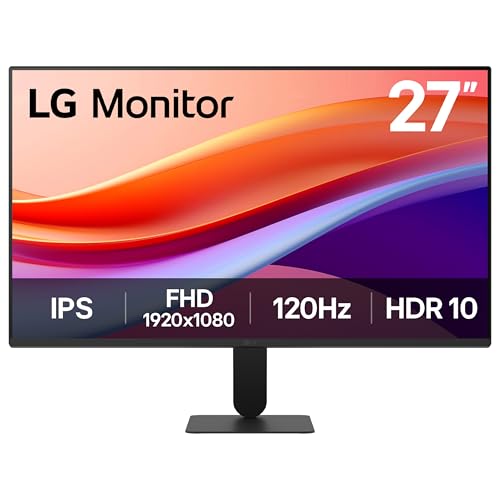
LG MONITOR 27U411A-B - FHD 1080p IPS 27 inch, 120 Hz, 5ms Gt
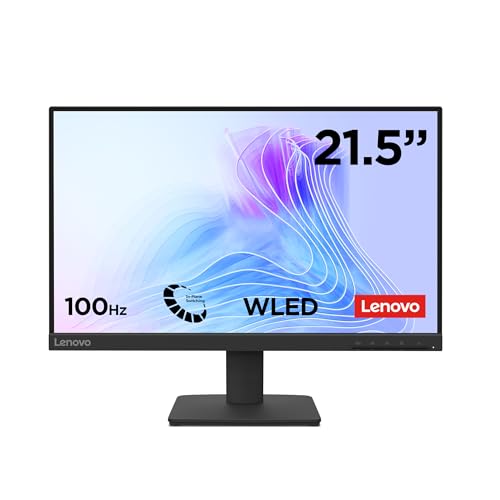
Lenovo L22-4e - FHD 21.5" Monitor (IPS, 1920x1080, Refresh R

UGREEN 4K/30fps Webcam for PC, Full HD Webcam for Laptop, Cl

AOC 27B3HA2 - 27 Inch FHD Monitor, 100Hz, IPS, 1ms, FlickerF

Dell FAST Optiplex 7020/9020 SFF PC - Intel Core i7 4th Gen
Disclaimer: This article has been generated through our AI content insight system and is intended for general informational purposes only. Please carry out your own research and review product details directly before making any purchase decisions.